
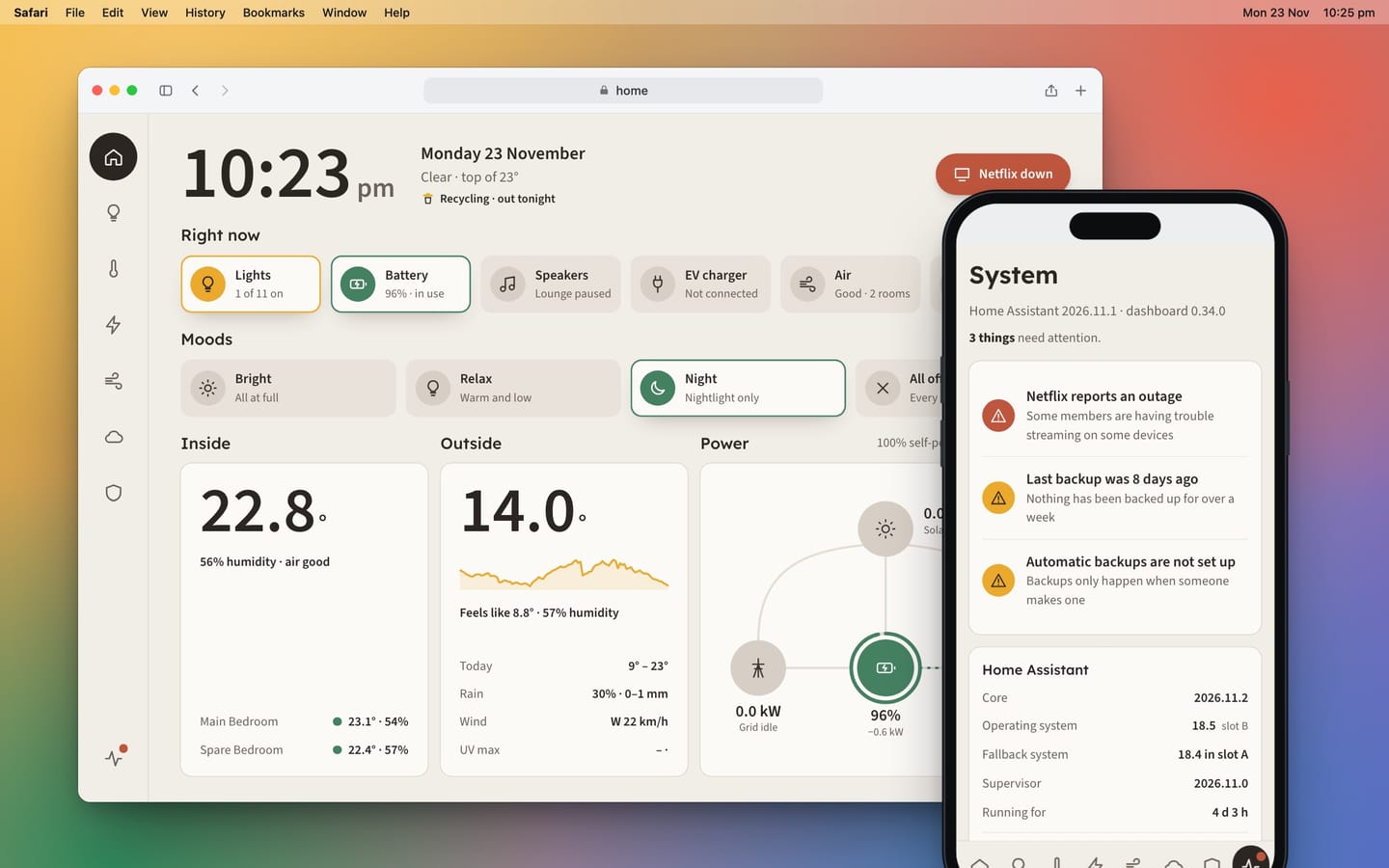
Part of the Home Dash series in The House Project. Last updated 24 November 2026.
Look, I'll be honest about why this exists. If Netflix goes down in our house, all hell breaks loose.
The first thing anyone says is "the internet's broken". The second thing is my name. So I end up restarting the router, checking the Wi-Fi and poking at the TV. Half the time none of that was the problem. Netflix was just having a bad night.
So Home Dash now answers the only question that matters in that moment. Is it them or is it us?
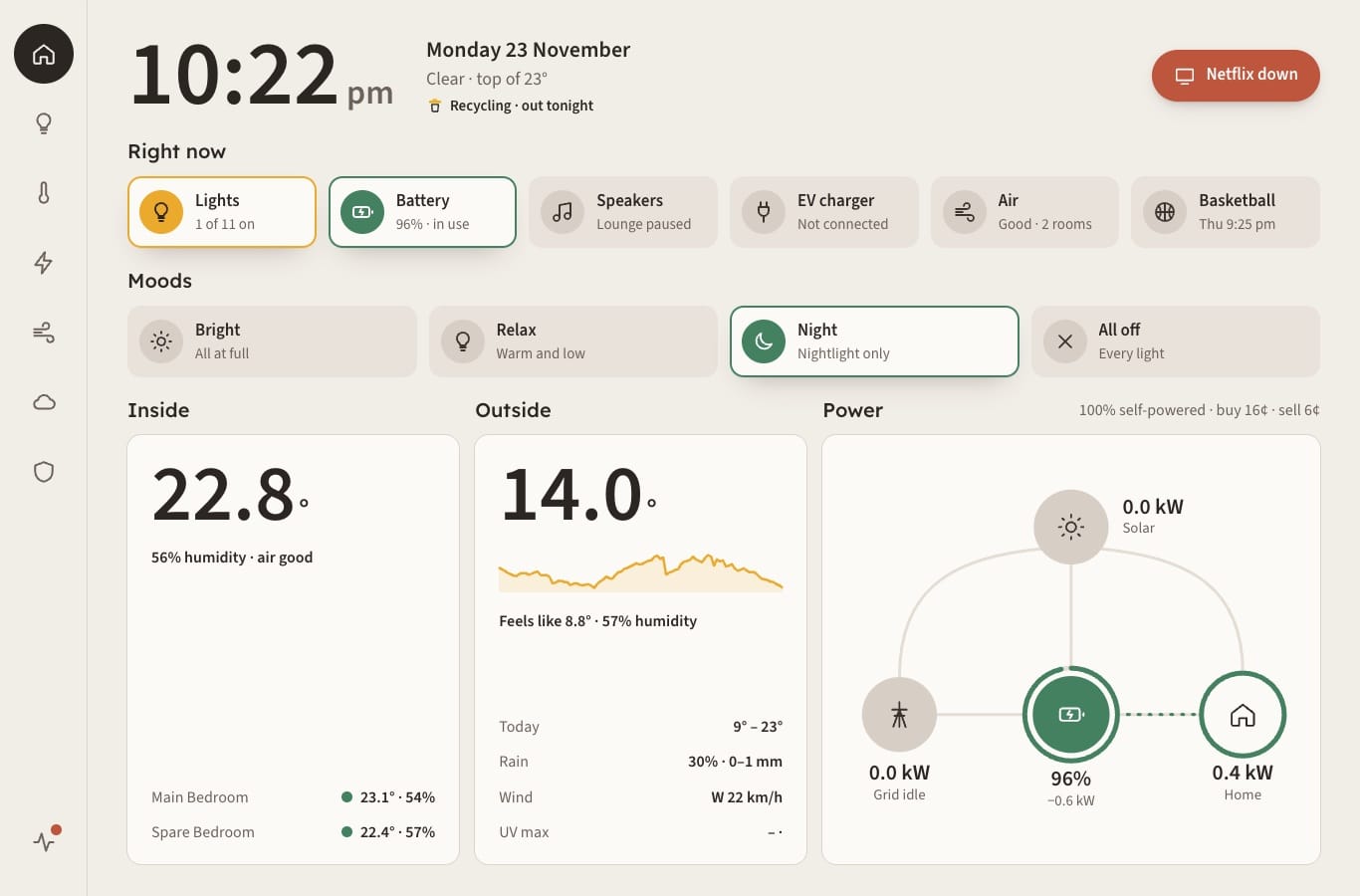
The first go was a guess
My first version just checked whether the Netflix and Prime Video websites answered from our house. It looked fine on the screen. Then I realised a website being up tells you nothing about whether streaming works. They run on completely different gear. So that one got binned and I set a rule. It only counts if it comes from the company itself.
Their word, not mine
Three companies made the cut. Each one has its own status page and the house now reads them.
- Netflix posts a notice on its "Is Netflix down?" page when streaming has a problem. The house reads that every ten minutes.
- Apple's System Status covers every Apple service. We only watch the ones this house uses. That's iCloud, Photos, iMessage, FaceTime, Find My, Apple TV, Apple Music and the App Store.
- Opticomm runs the fibre to our house. It publishes every outage and every bit of planned maintenance across its network, down to the estate.
Prime Video didn't make it. Amazon doesn't publish a status page at all, so there's nothing honest to read.
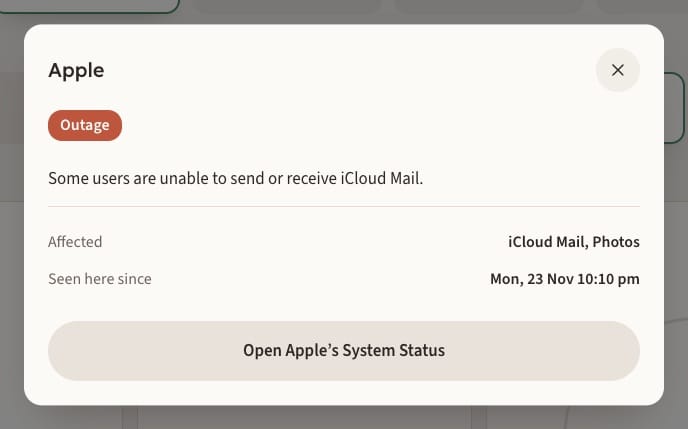
The one I didn't expect to like
Opticomm turned out to be the most useful of the lot. Its list says which estates an outage covers, how many homes are affected and roughly when it'll be fixed. It also lists planned maintenance, so a quiet line now turns up under the date the day before.
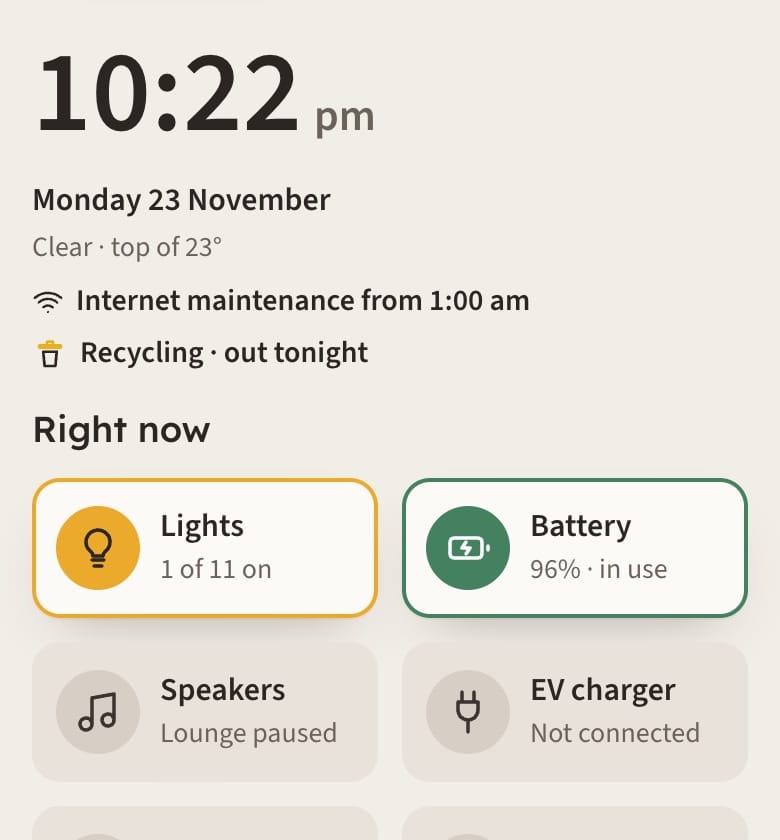
That's a 1 am dropout nobody gets blamed for. To be fair, that might be the best thing on the whole dashboard.
Under the bonnet
There's no add-on doing this. I looked at a ready-made outage monitor first and it was a whole product, with themes, speed tests and eleven languages, for what's really a warning light. So it uses Home Assistant's built-in REST integration, the same one that fetches our pollen forecast.
Each check reads the same data the company's own status page loads. Apple's is about 6 KB and Netflix's is two bytes on a good day. Opticomm's is the whole network's list, about 80 KB, fetched every fifteen minutes. The house picks out our estate itself, so our address never goes anywhere.
A pill only shows when the company itself says there's an outage. Planned maintenance gets a quiet line instead. If one of the status pages can't be read, the System page says so rather than guessing.
It has its limits. These are the files each status page uses, not a service the companies have promised to keep the same. One day one of them will change and I'll have to fix it. None of it can tell when Netflix is fine but the app on the TV is having a moment either. That one's still on me.
What didn't make the cut
I had Microsoft 365 in there as well. Then I realised this is a house dashboard, not a work one. If Outlook is down on a Sunday night that's honestly a feature ;P So it's gone.
It fits the same rules as everything else on the screen. Quiet unless it matters, coral only for things you'd actually want to know. There's more on how the dashboard looks now in Home Dash gets a calmer look.
Next time Netflix drops out I'm pointing at the wall.
Keep reading the series